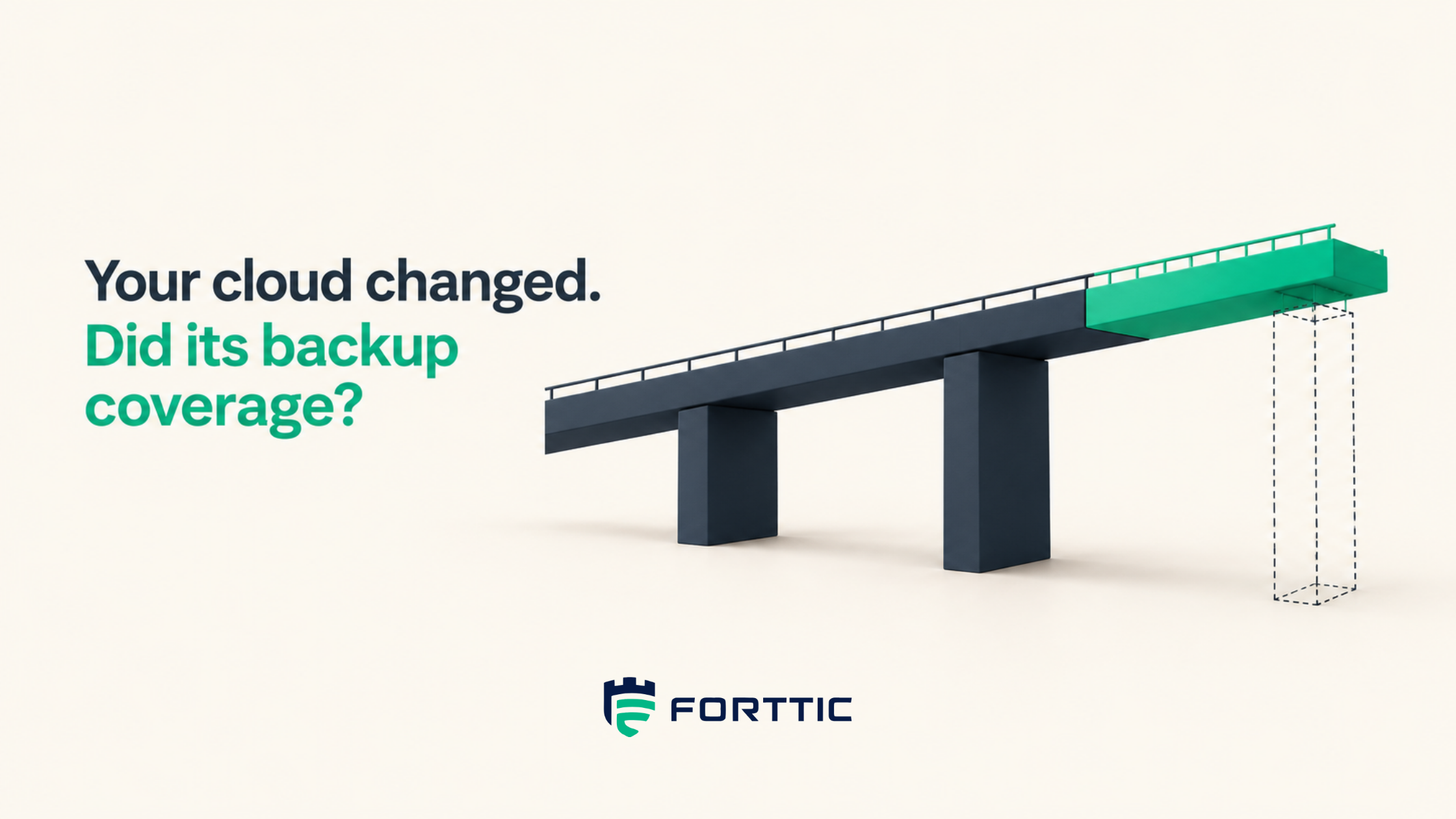
The deployment finished. The protection work did not.
Consider a production database migration. The new instance is healthy, application traffic has moved, and the engineering team closes the deployment. The backup dashboard also looks reassuring: scheduled jobs completed overnight, with no new failures to investigate.
There is one problem. Those jobs belong to the old database.
The new resource was created under a different identifier and never entered the intended backup selection. Nothing in the existing schedule failed. The schedule continued protecting exactly what it had been told to protect. The business moved; protection did not move with it.
This is an illustrative scenario, but it exposes an important weakness in how teams judge change success. Application checks ask whether the new environment works. Backup checks often ask whether existing protection jobs work. Unless someone reconciles those two views, the changed workload can fall between them.
The useful question after a deployment is therefore specific: what evidence shows that the resources now serving production meet their recovery requirements?
What is a backup coverage gap?
A backup coverage gap is a mismatch between a workload’s required protection and its observed protection. It can mean there is no backup, but it can also mean the available recovery points are too old, retention is insufficient, a required copy is missing, or recovery has not been validated within the agreed scope.
Coverage is always relative to a requirement. A development database and an order-processing database might both have a daily snapshot, yet only one meets its business needs. Counting both as “backed up” hides that distinction.
Forttic’s existing AWS backup drift guide explains how drift develops across accounts. Here, the focus is the operational moment that creates it: a change has happened, and the team needs to establish which earlier protection conclusions still hold.
That requires a protection check attached to the change itself. A quarterly inventory review may eventually reveal a missing resource, but the resource has already been serving production during the intervening period.
Start with what needs protection, not what appears in the backup console
If the backup platform supplies both the list of workloads and the evidence that they are protected, an omitted workload may disappear from the calculation entirely. A perfect success rate can describe an incomplete estate.
Build the comparison from two independently maintained views. The first identifies active workloads, their business service, criticality, owner, and required recovery policy. The second identifies protection assignments, completed recovery points, destinations, and relevant validation results. Match them using durable resource identities and explicit relationships, with tags as supporting context.
Treat an unmatched resource as a question to resolve. It may be unprotected, intentionally excluded, protected through another mechanism, or outside the inventory’s intended scope. None of those outcomes should be silently converted into a passing result. Similarly, if an account cannot be queried, record that its protection state is unknown. Missing telemetry is not evidence of missing backups, and it is not evidence of coverage either.
The practical output is a reconciled list of workload-control pairs. Instead of “database protected,” the record can distinguish “required retention observed,” “separated copy unverified,” and “recovery test due.” That precision makes the next action much easier to determine.
Which cloud changes should trigger backup verification?
The trigger should follow what changed and which protection claim that change could invalidate. Repeating every possible test after every deployment is expensive and encourages teams to bypass the process. Repeating none leaves the protection model disconnected from production.
The following is a suggested operating policy, to be adapted to workload criticality and the mechanisms your environment supports.
| Change | Question to reopen | Evidence to collect |
|---|---|---|
| New or replacement resource | Is the resource now serving production included in the required protection scope? | Current resource identity, policy assignment, and first qualifying recovery point |
| Account, region, or subscription migration | Do copy destinations and recovery access still meet the requirement? | Destination details, access checks, and affected recovery validation |
| Tag or selection-rule change | Did the change alter which resources are selected? | Before-and-after selection membership reconciled to the production inventory |
| Retention or schedule change | Do the policy and available recovery points meet the revised requirement? | Effective policy, recovery-point timestamps, and retention evidence |
| Key, identity, or network change | Can the recovery process still access what it needs? | Relevant authorization, dependency, and restore checks |
| Criticality change or expired exception | Has protection caught up with the business decision? | Updated requirement, named owner, exception status, and current control evidence |
A deployment pipeline can initiate these checks, but it cannot be the only trigger. Console edits, emergency changes, vendor changes, and newly discovered assets can occur outside the pipeline. Combine change events with periodic inventory reconciliation so a missed event does not become a permanent blind spot.
A configured policy is the start of the evidence chain
Finding the new database in the correct backup policy is useful. It establishes that the intended configuration is present. It does not establish that a qualifying recovery point has already been created or that a required secondary copy has completed.
This distinction is reflected in native tooling. AWS Backup Audit Manager documents separate controls for backup-plan inclusion, recent recovery-point creation, copy scheduling, and other requirements. The controls have defined evaluation schedules and scopes. Their results should be interpreted accordingly, rather than combined into an unspecified assurance that everything is protected.
For each changed workload, follow the evidence through three stages. First, confirm the effective configuration. Next, confirm the resulting protection artifact, such as the recovery point or required copy. Finally, collect the validation appropriate to the claim being made. The first two stages establish whether the intended protection exists; recovery validation examines whether the relevant recovery path works.
Keep timestamps with all three. A copy result collected before the migration cannot prove that the replacement resource is covered. A newly attached policy also cannot recreate historical backups that were never taken. If the business required protection during that interval, record the gap even after current coverage is established.
Why an immutable copy does not answer every coverage question
Immutability addresses whether protected backup data can be changed or deleted under the mechanism’s rules. It does not, by itself, establish that every required workload is present, that the recovery point is sufficiently recent, or that the application can be restored.
Think of a vault with a strong door. The door matters, but its strength says nothing about whether the items that need protection were placed inside. The same distinction applies when a dashboard reports that a vault is immutable while a newly migrated workload is writing its backups elsewhere.
The verification has to follow the workload to its actual recovery points and protection mechanism. Even the word “enabled” needs context. Microsoft distinguishes enabled from enabled-and-locked immutability in Azure Backup; locking makes the setting irreversible. A check should preserve that distinction rather than treating every enabled setting as equivalent.
This is also why Forttic’s 3-2-1-1-0 backup strategy article is a useful companion. Each requirement needs evidence in its own scope. One successful control should not hide another control’s missing, failed, or stale result.
Revalidate the recovery path affected by the change
Post-change verification should be proportional to the change. A harmless description update may not affect recoverability. A replacement database, revised encryption-key access, or a new restore destination can affect it directly.
For these changes, define what the test must establish before running it. That may include creating the restored resource, reading representative data, confirming required access, and checking an application operation in an isolated environment. Record what was tested and what was outside the test. A database restore result should not be presented as proof that an entire customer-facing service recovered.
AWS Backup supports scheduled restore testing and optional validation. That provides one example of how native protection tooling can contribute evidence to a broader operating process. The organization still needs to choose the relevant workload scope and determine what result is sufficient for its recovery claim.
The test’s timestamp is only part of its meaning. Its applicability matters too. A test performed yesterday against a retired resource is less useful for the replacement than an older test whose relevant dependencies remain unchanged. Preserve the relationship between the test, the resource, and the changes that would require it to be repeated.
Make protection an explicit part of change completion
Return to the database migration. Before production cutover, the team identifies the replacement resource, the service it supports, and the applicable recovery requirement. After provisioning, it confirms policy membership. After the first backup and required copy complete, it records those results against the new resource. It then performs the validation required by the migration’s risk and scope.
If something is still pending, the change record should say so. “Application deployed; protection verification pending” communicates a different operating state from “complete.” For critical changes, make the required protection evidence a release gate where practical. Where the business authorizes a temporary gap, record the approver, compensating measures, deadline, and owner.
The point is to make the unresolved condition visible without pretending every backup operation completes synchronously with a deployment. Some copies and tests take time. Teams can accommodate that reality while retaining a clear deadline and escalation path. Then track a protection gap through verified closure so the pending work does not disappear into a closed ticket.
Measure the interval from a protection-relevant change to evidence that the required controls have been verified. Report unknown states and overdue exceptions alongside that interval. This gives platform teams feedback on which deployment patterns repeatedly leave protection behind.
Where Continuous Resilience Enforcement fits
Forttic positions Continuous Resilience Enforcement around discovery, assessment, corrective action within guardrails, verification, and reporting across existing cloud and backup systems. For post-change coverage, that model connects the observed workload change with the protection requirement and the evidence needed to resolve any mismatch.
The practical buying question is specific: which changes can the platform observe in your connected environment, which checks can it perform, and which actions or recovery tests require approval or additional integration? That is more informative than treating “continuous” as a promise that every control is checked instantly and every application is automatically recoverable.
Start with one recent production change. Identify the resource now serving the business, trace its required protection, and ask whether the available evidence belongs to that resource. The answer will show where your process needs to become more explicit.
Run Forttic’s CRE assessment to review where discovery, enforcement, verification, and evidence still depend on manual handoffs.
A green job can still miss the new resource
Job success answers whether the selected scope completed. Coverage asks whether the resources now serving production meet their recovery requirements — including retention, required copies, and relevant validation.
Frequently asked questions
How do you find backup coverage gaps after a cloud deployment?
Compare the current production inventory with backup assignments and actual recovery points. Check each changed workload against its recovery requirements, including retention, required copies, and relevant validation. Investigate unmatched resources and unavailable telemetry instead of counting them as protected.
Does a successful backup job prove complete coverage?
No. It proves the reported job completed for its selected scope. A new resource may be outside that scope, or another requirement may remain unmet. Complete coverage requires checking every in-scope workload against its applicable protection requirements.
Does infrastructure as code prevent backup coverage gaps?
Infrastructure as code can make intended protection more consistent, but coverage still needs runtime verification. Selection changes, deployment exceptions, external configuration changes, and unsuccessful backup or copy operations can leave the observed state different from the intended state.
When should backup coverage be rechecked?
Recheck after changes that can affect protection, including new resources, migrations, selection rules, retention, recovery access, and workload criticality. Combine those checks with periodic reconciliation. Choose testing depth and deadlines according to business impact and the specific control affected.
What should count as evidence of post-change protection?
Use the current workload identity, applicable policy, observed configuration, relevant recovery-point and copy results, and any required validation. Preserve timestamps and scope. State clearly whether the evidence establishes configuration, backup availability, or a tested recovery outcome.
Can enabling backups remove a previous protection gap?
It can establish protection going forward after qualifying backups complete. It cannot create recovery points for a period when none were captured. Retain the historical gap in the record and assess whether the remaining recovery history meets the business requirement.